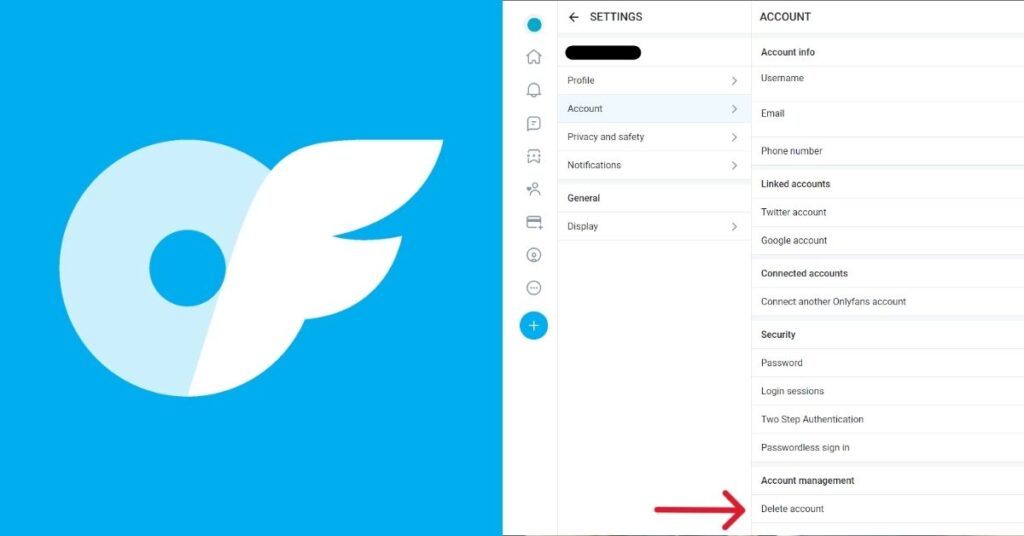
Canceling an OnlyFans subscription means turning off auto-renew so you are not charged again for a creator’s content.
On OnlyFans, subscriptions are tied to individual creators, and you must manually cancel each one from your subscription settings.
In this article, you will learn how to cancel an OnlyFans subscription, how billing works after cancellation, and what issues you may face.
Why Users Cancel OnlyFans Subscriptions?
People cancel OnlyFans subscriptions for different personal and practical reasons. Most users simply want to manage their spending or reduce active subscriptions.
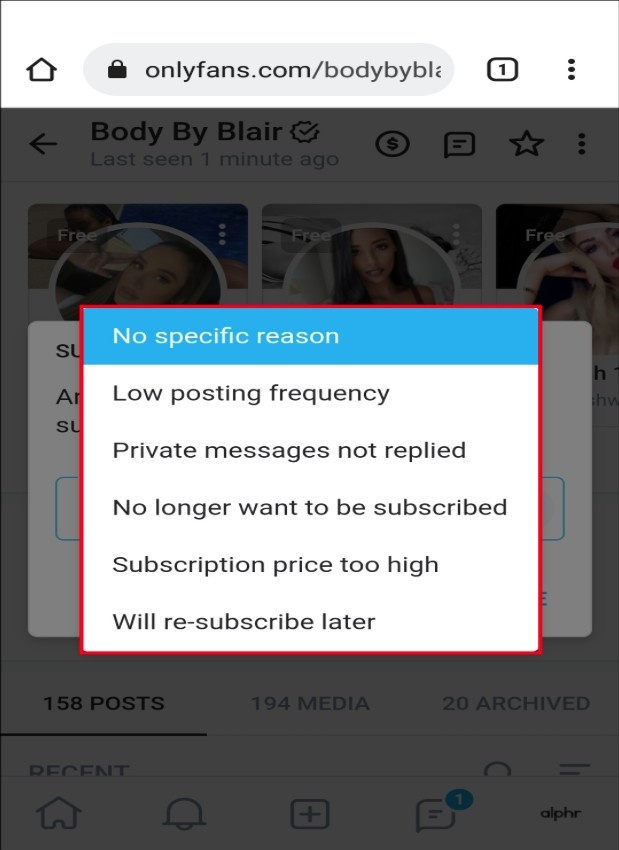
Some common reasons include:
- They are no longer actively using the subscription
- The content does not match what they expected originally
- They want to reduce or control their monthly expenses
- They have too many active creator subscriptions currently
- They are taking a short or long break from the platform
Step-by-Step Guide to Cancel OnlyFans Subscription
Canceling an OnlyFans subscription is simple if you follow the correct steps from your account settings.
After completing the steps below, your subscription will remain active until the current billing period ends.
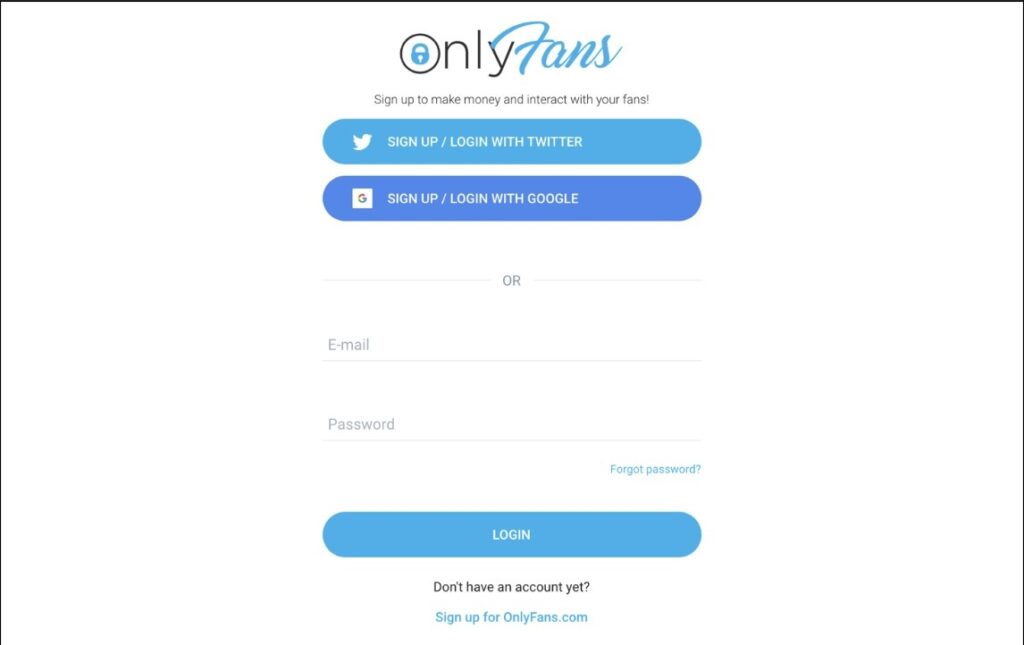
Step 1: Log in to your OnlyFans account using your username and password.
Step 2: Go to your profile and open the subscriptions section.
Step 3: Find the creator subscription you want to cancel.
Step 4: Click on the auto-renewal option to turn it off immediately.
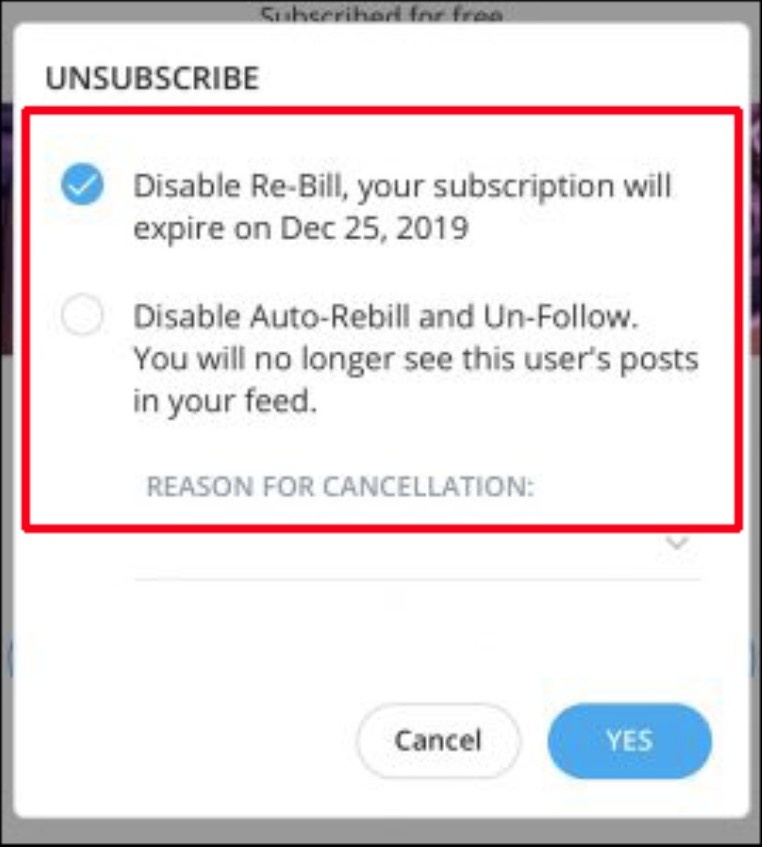
Step 5: Confirm your cancellation to stop future billing charges.
How OnlyFans Billing Works After You Cancel a Subscription
When you cancel an OnlyFans subscription, it does not stop your current billing period immediately. You will still have access until that paid time ends.
OnlyFans follows a simple recurring billing system, so timing plays an important role in charges.
- Your subscription stays active until the current billing cycle ends
- Auto-renewal is stopped for the next billing period only
- You will not receive a refund for the remaining time already paid
- Access to content continues until the subscription expires
- No additional charges happen after cancellation is confirmed
Can You Get a Refund After Cancelling an OnlyFans Subscription?
In most cases, you cannot get a refund after cancelling an OnlyFans subscription because payments are usually non-refundable once they are successfully processed by the platform.
OnlyFans generally does not refund subscriptions for unused time, and cancellation only stops future billing rather than reversing any completed or ongoing payment cycle.
Refunds are only considered in rare cases like accidental payments or duplicate charges, and most users must contact their payment provider for further help.
Common Issues While Cancelling OnlyFans Subscription and How to Fix Them
Some users may face small issues while trying to cancel an OnlyFans subscription. These problems are usually simple and can be fixed quickly with the right steps.
| Issue | How to Fix It |
|---|---|
| Subscription not showing in the account | Log in with the correct account and refresh the subscriptions page |
| Auto-renewal option not visible | Try cancelling using a desktop browser instead of the mobile app |
| Still getting charged after cancellation | Check if the cancellation was done before the billing cycle renewal |
| Unable to access account settings | Reset your password or try logging in from another device |
| Cancellation not confirming | Clear browser cache or try again after a few minutes |
How to Avoid Unwanted OnlyFans Charges in the Future
To avoid unexpected charges on OnlyFans, it is important to manage your subscriptions carefully and keep track of billing settings at all times.
By following these simple habits, you can stay in control of your subscriptions and avoid unwanted charges in the future.
- Turn off auto-renewal immediately after subscribing to any creator
- Regularly check your active subscriptions from your account settings
- Set reminders before your next billing cycle starts or renews
- Avoid subscribing to too many creators at the same time
- Monitor payment notifications to track every transaction carefully
Related Read:
Conclusion: Managing OnlyFans Subscriptions Safely and Confidently
You can cancel an OnlyFans subscription by turning off auto-renew in your account settings, which stops future payments for that creator immediately.
After cancellation, you still get access until the current billing period ends, and no further renewal charges are applied once the cycle expires.
In simple terms, cancelling on time helps you avoid extra payments and keeps your OnlyFans subscriptions fully under your control and budget.
FAQs
Subscriptions usually renew automatically on a monthly or yearly cycle until the user manually cancels them through account settings.
Yes, most platforms allow access until the current paid billing period ends, even after the user cancels the subscription successfully.
Charges may occur if cancellation happens after the renewal date or billing cycle has already been processed by the payment system.
Yes, users can usually disable auto-renewal at any time from account settings to prevent future recurring payments completely.
Refunds are rarely offered and depend on platform policies, payment methods, and whether any service usage has already occurred.