OnlyFans has grown into one of the most popular creator platforms on the internet, but it comes with a fundamental challenge: finding people on it is surprisingly difficult.
Unlike Instagram, TikTok, or Twitter, OnlyFans is built around privacy and discretion rather than discovery. If you’re trying to track down a specific creator, whether you know their name, have seen a photo, or only have a vague idea of who they are, you’ll need to use a combination of methods.
Below are some methods you can use to find your favourite OnlyFans Creator.
Method 1: Use the OnlyFans Search Bar
The built-in search is very limited but still useful in specific cases.
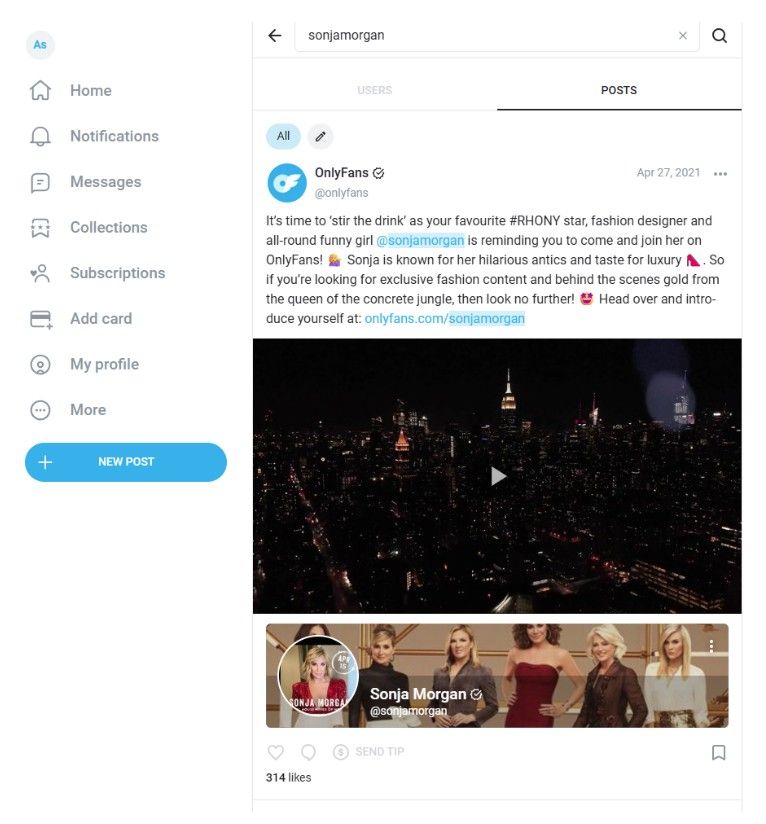
Steps
- Log in to your OnlyFans account
- Use the search bar at the top
- Enter the exact username
Limitations
- No partial matches
- No category or location filters
- Does not work with display names
Best for: When you already know the exact username
Method 2: Search on Social Media (Most Effective)
Most creators promote their profiles outside OnlyFans.
Where to check
- Twitter (X)
- TikTok
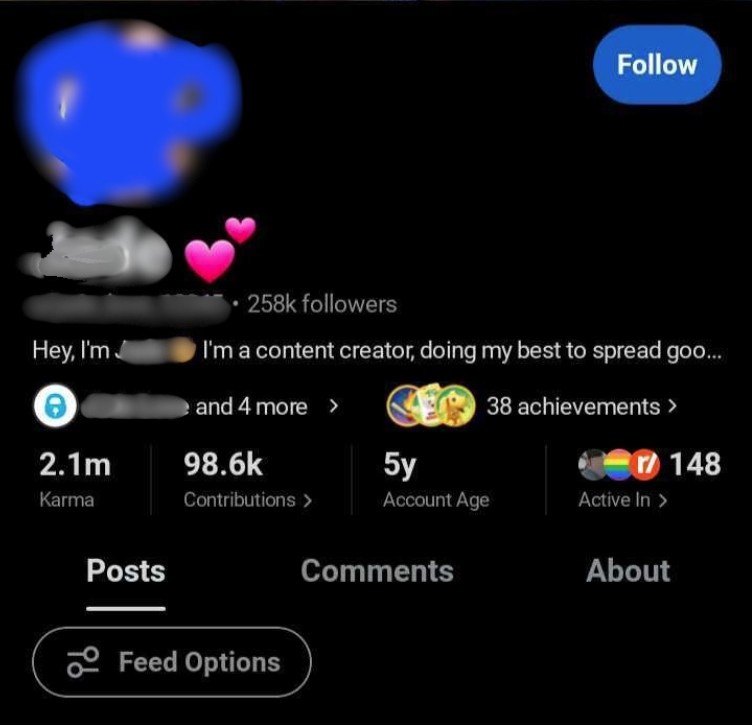
What to look for
- Bio links
- Pinned posts
- Stories or highlights
- Comments and replies
Creators often use link hubs like Linktree or Beacons.
Pro tip: Do not just check bios. Scan captions, replies, and older posts.
Method 3: Use Google Search Operators
Google is one of the most powerful tools for finding OnlyFans profiles.
Try these searches
- site:onlyfans.com username
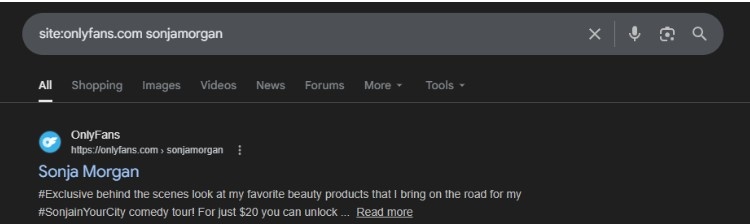
- username onlyfans
- real name onlyfans
- site:twitter.com “OnlyFans” + name
- site:reddit.com “OnlyFans” + niche
This helps uncover profiles that are not easily discoverable inside the platform.
Method 4: Use Third-Party OnlyFans Search Tools
Several tools index public creator profiles and make discovery easier.
Popular options
- OnlyFinder
- FansMetrics
- Hubite
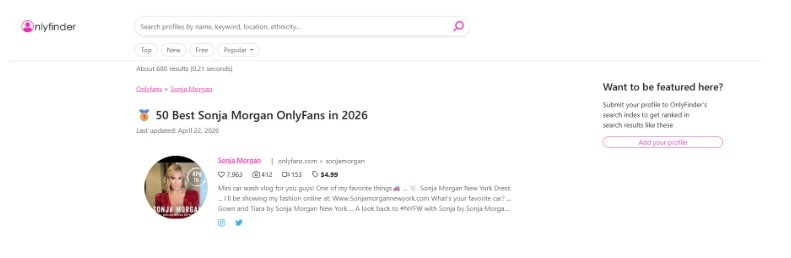
Pros
- Search by name, keyword, or location
- No account required
- Advanced filters
Cons
- Not all creators are indexed
- Some features are paid
- Data may be outdated
Best for: Broad searches when you only have partial information
Method 5: Reddit and Niche Communities
Reddit is one of the most underrated ways to find creators.
Try
- Subreddits like:
- r/OnlyFansPromotions
- r/OnlyFansGirls
- Search queries:
- site:reddit.com “OnlyFans” + username
- OnlyFans + niche + Reddit
Creators often promote themselves in niche communities.
Method 6: Reverse Image Search
If you only have a photo, this method can help connect identities across platforms.
Tools
- Google Images
- TinEye
How it works
- Upload the image
- Find matching profiles or reposts
- Trace back to the original accounts
Best for: Identifying creators using the same photo across platforms
Method 8: Cross-Platform Search (Fansly and Others)
Some creators use multiple subscription platforms.
Try searching on
- Fansly
- Other creator platforms
Many creators reuse:
- Usernames
- Profile images
- Branding
This increases your chances of finding them.
When to Use Each Method
- Have username → Use OnlyFans search or Google
- Have a name or an alias → Use Google + social media
- Have photo → Use reverse image search
- Have email or phone → Use lookup tools
- Have nothing specific → Use third-party directories
Why It’s Hard to Find People on OnlyFans
OnlyFans prioritizes discretion for both creators and subscribers.
- No public directory
- No keyword-based discovery
- Many creators use aliases instead of their real names
Because of this, you often need to combine multiple methods rather than rely on a single search.
Reality Check
Even with all methods combined, you may not find someone if:
- They use a completely different alias
- They do not promote publicly
- Their account is private or inactive
This is intentional and part of OnlyFans’ privacy-first design.
Suggested Reads:
Conclusion: Find Your Favourite OnlyFans Creator
Finding someone on OnlyFans requires a mix of search strategies, social media tracking, and reverse lookup techniques.
There is no single tool that guarantees results, but combining these methods significantly improves your chances.